How I track training and recovery with Samsung Galaxy Watch
The watch does not tell me what to do. It helps reveal load, rhythm and deviations I might miss by feel alone.
Denis Čurčić
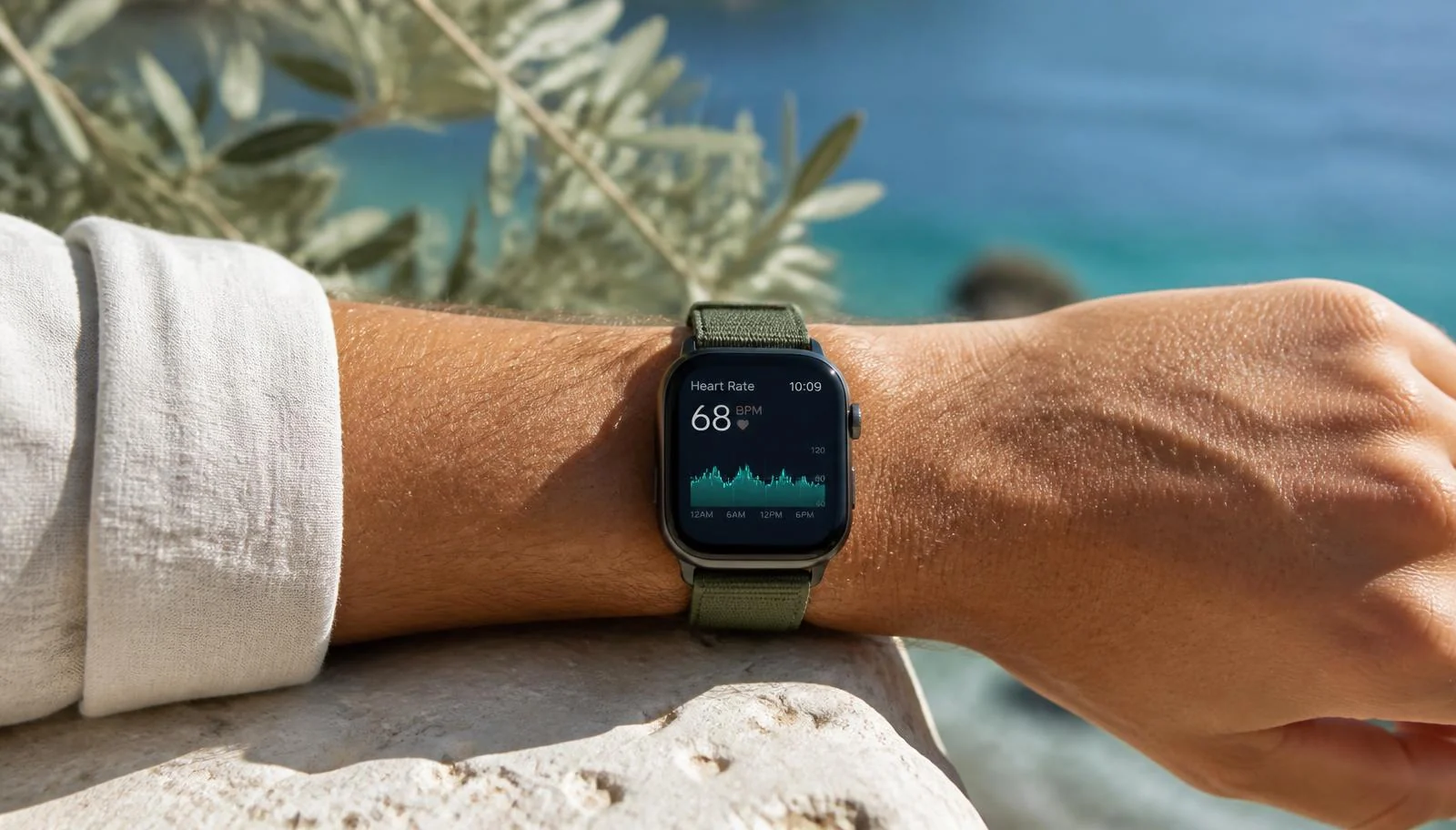 AI-generated image
I use Samsung Galaxy Watch as an orientation instrument, not a coach or diagnostic device. It becomes most useful when I connect the data to the session's purpose, sleep and how I feel.
Features vary by watch model, phone, software and country. I therefore focus on broad signals available on many newer models: heart rate, workout duration, intensity zones, sleep and long-term trends.
Before training: context, not just a score
Before a session I look at sleep, how I feel and whether any deviation has repeated over several days. Newer models may also provide Energy Score, but I never treat one composite score as an instruction.
A poor night does not automatically cancel training. I can lower intensity, choose an alternative or keep only easy cardio. The decision rests on several signals together.
During training: heart rate must serve the session
During steady-state cardio I track time and heart-rate zone so the pace does not drift too easy or hard. Galaxy Watch supports five intensity zones; supported models and software can adjust or personalise them.
In strength work, wrist movement and grip can disrupt the optical sensor. I use heart rate as context, not as the quality score for a set. Technique, load control and progression remain more important.
| Session | Main data | How I use it |
|---|---|---|
| Steady state | Time, heart rate, zone | Hold the intended even intensity |
| Intervals | Work/rest time, heart-rate response | Compare repetitions, not a perfect number |
| Strength | Duration, rest, overall load | Heart rate is context; technique comes first |
After training and overnight: find the pattern
After training I record the session and its duration. Overnight, the watch estimates duration and sleep stages from movement and cardiac signals; supported models add other metrics. These are algorithmic estimates, so recurring trends matter more than one night's precision.
Once a week I compare load, sleep, feeling and performance. Several days of poor sleep, an elevated usual heart rate and weaker performance call for caution and, where appropriate, expert interpretation — not self-diagnosis.
The limits are part of correct use
Samsung describes its health and fitness features as general wellness tools. Data is not intended to diagnose, treat or prevent disease. Body composition, blood oxygen, ECG and blood pressure are model- and region-dependent and do not replace clinical measurements.
With symptoms or persistent deviations, consult a healthcare professional. The watch can identify a question and document a trend; it cannot force the answer.
- Wear the watch consistently and with a similar fit.
- Compare your trend with your own baseline.
- Check features for your model, software and country.
- Do not make medical decisions from watch data alone.
Frequently asked questions
- Does Galaxy Watch measure heart rate accurately during strength training?
- Optical readings can be less stable with a strong grip and rapid wrist movement. They are useful for a broader trend, not as the only performance measure.
- Should I skip training after a poor sleep score?
- Not automatically. Combine the score with how you feel, the multi-day trend and the session's purpose; reduce intensity where sensible.
- Can the watch detect a health problem?
- It cannot diagnose. Consult a healthcare professional about symptoms or persistent deviations.
Guides cover general principles. Translating them to your own data starts with an introductory consultation and triage (€150, 45 minutes) — it results in a written proposal for the measurement scope, with no obligation.